1
Sign up and permissions
The client signs up and completes the direct debit. Family members are invited to review permissions, digital signatures, terms, and relevant authority such as power of attorney.

 How It Works
Families sign up, complete payment, invite the right people, set permissions, build the support profile, then choose how calls and SMS messages are handled.
The client signs up and completes the direct debit. Family members are invited to review permissions, digital signatures, terms, and relevant authority such as power of attorney.
Family members create accounts, add names and photos, and the family admin sets simple permission levels: admin, family, and carer.
The family creates white, grey and black lists so trusted contacts get through, lower-risk contacts are recognised, and distressing or known-risk contact is blocked or escalated.

Family members speak with Ivy (our AI receptionist), the SafeGuardMe companion, about Mum or Dad, or upload their own stories, so the service can understand the person behind the protection plan.
Present condition, state of mind, life story, memories, important events, family members, preferences, routines, attitude to life, and anything that helps support calm conversation.
When family are busy, Ivy can use approved family knowledge to answer or support a call, engage naturally, offer reassurance, and help bring distress levels down before the situation escalates.
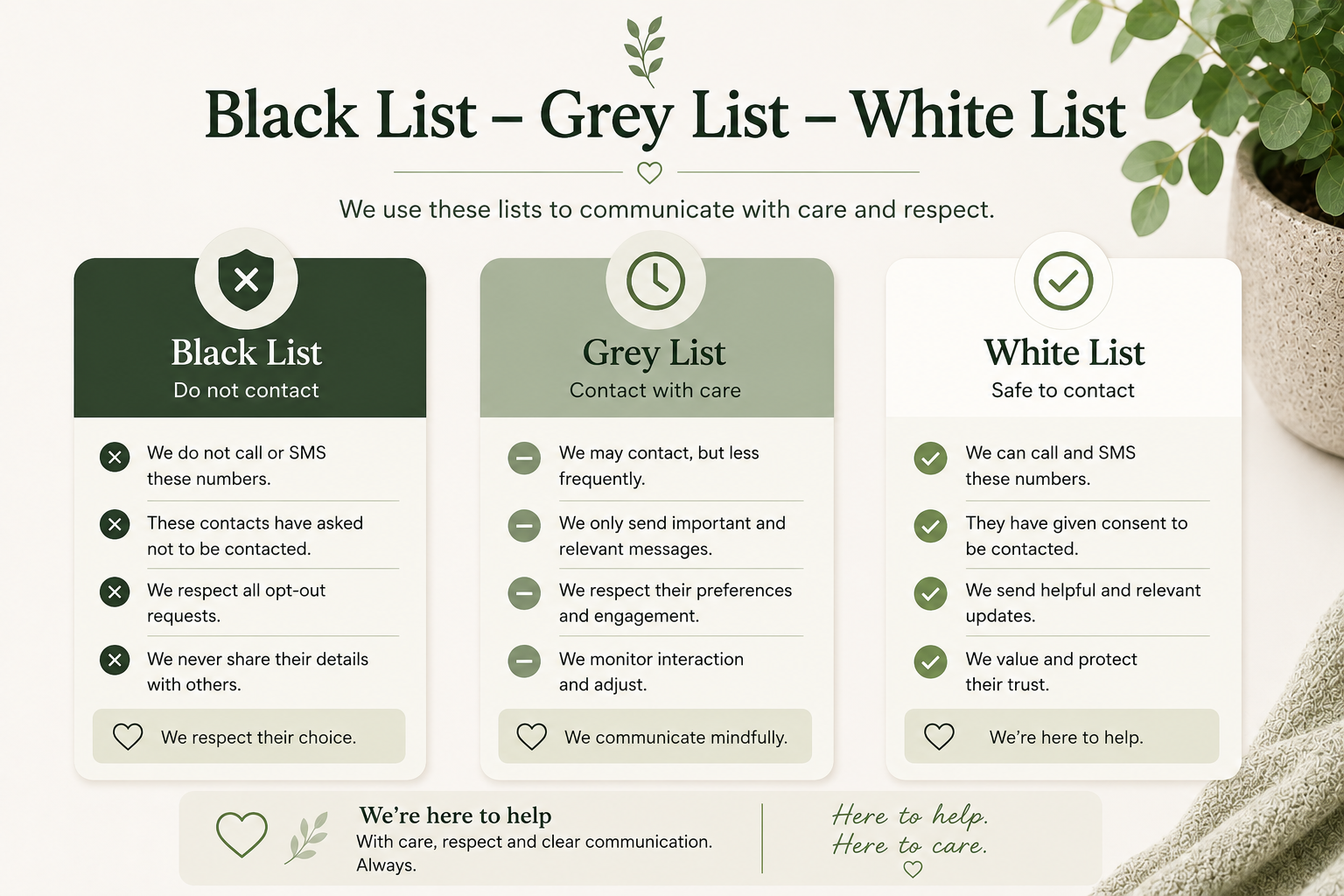
Families can keep the public explanation simple while still showing how contact is handled.
Calls and SMS from approved people go straight in and out, such as close family and trusted carers.
Hospitals, doctors, dentists and known services can be recognised as lower risk while still visible to the family.
Excluded family members, known debt recovery agents, distressing contacts, and known scam sources can be blocked or escalated.
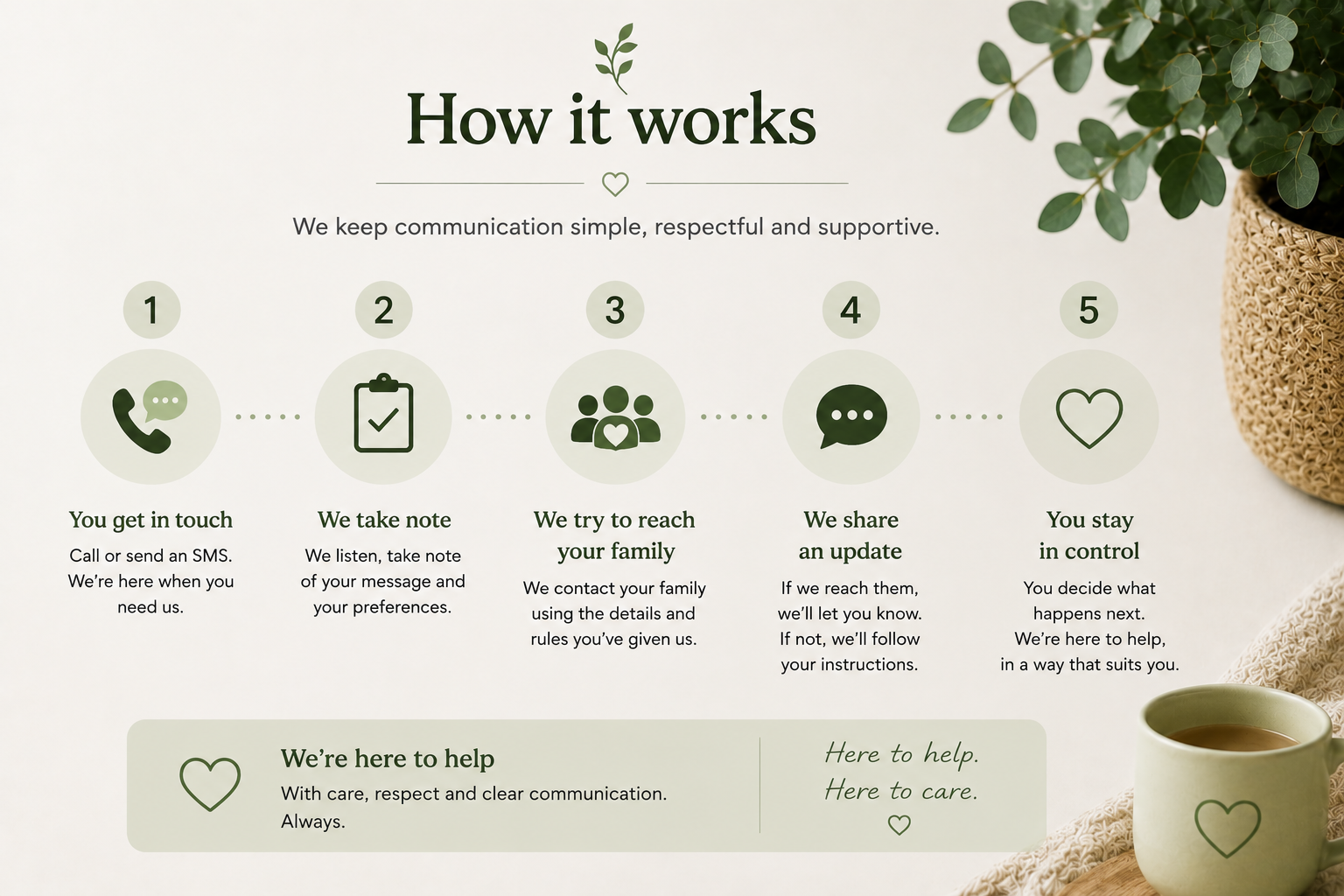
These placeholders mark where the final videos and app screens should go.
Video placeholder: direct debit, family invitations, permissions, signatures and terms.
Workflow placeholder: accounts, photos, names, admin, family and carer permissions.
App placeholder: white list, grey list, black list, alerts and family responses.

Families can start with call and SMS protection, then add support for dementia, mental health, vulnerability, reminders, resources, and guided help as needs change.